A2C VS Code extension screenshots
Visual reference for the A2C VS Code extension captured from an automated ExTester tour.
Auto-generated by
ui-test/extension-doc-tour.test.ts. Refresh withnpm run screenshots:update.
A2C activity bar
The A2C view container in the activity bar. Click the A2C icon to open the extension explorer.
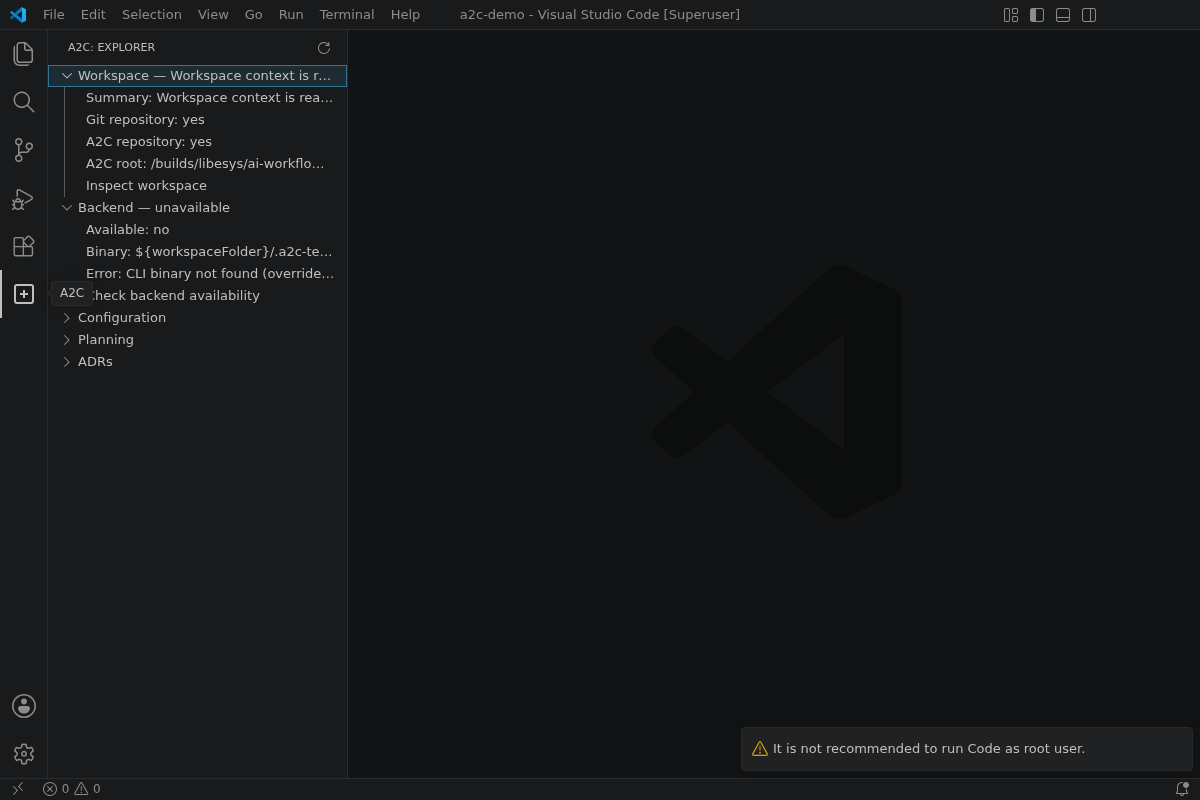
View: Activity bar — a2c container
A2C explorer overview
The A2C explorer tree with Workspace and Backend sections reflecting live status from the open repository.
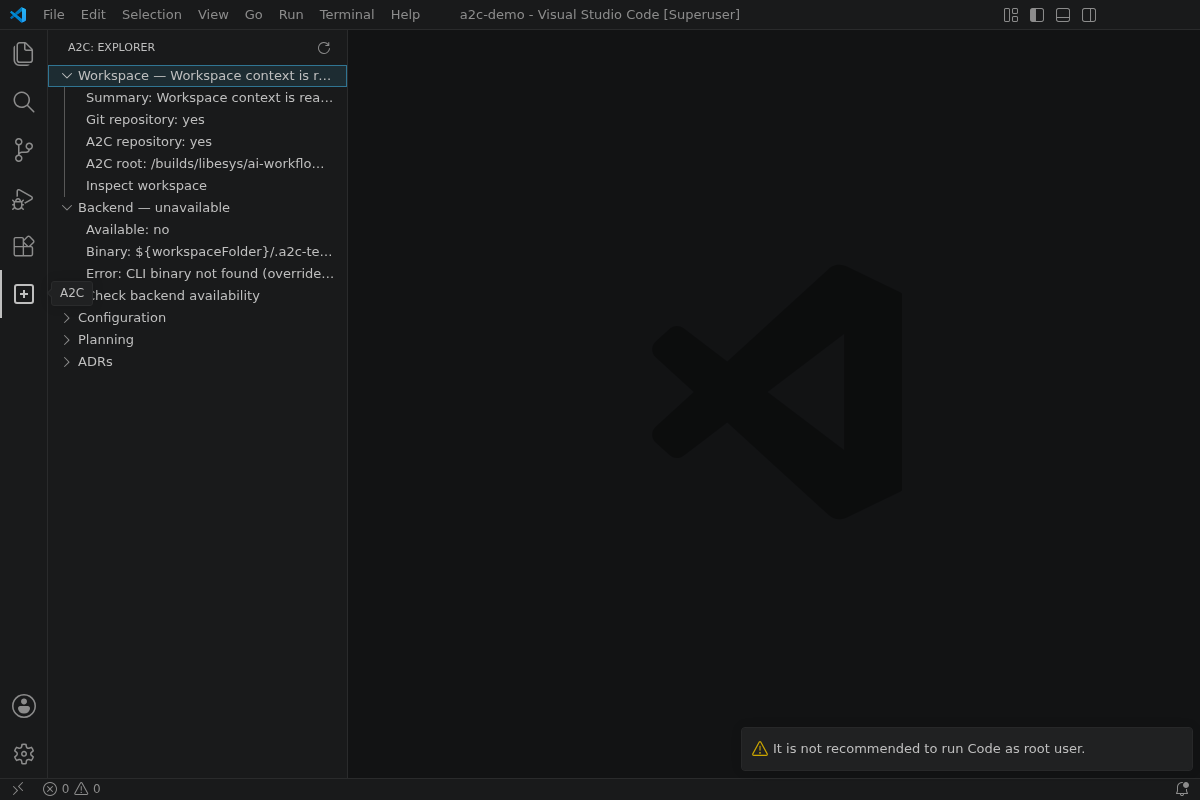
View: Side bar — a2c.explorer
Workspace status details
Expanded Workspace section showing git/A2C detection on the screenshot demo repository.
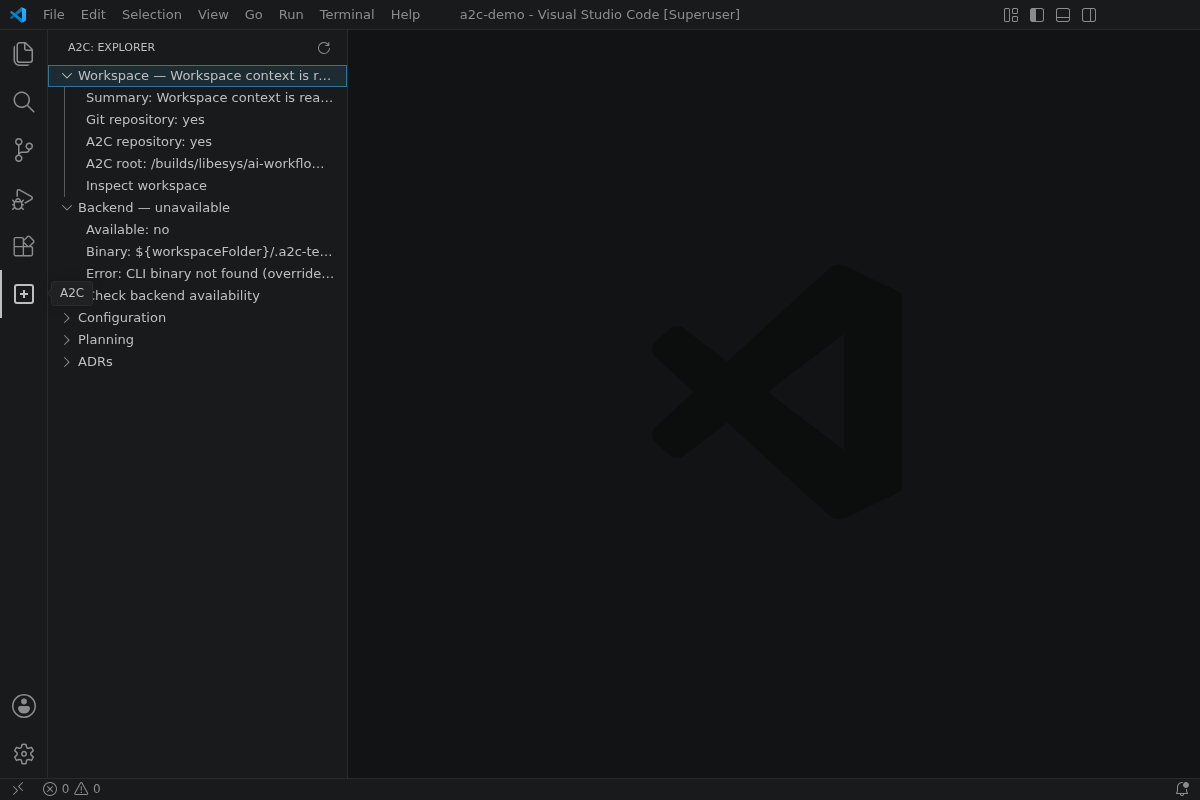
View: Tree section — Workspace
Backend status details
Expanded Backend section showing mock CLI availability and version output.
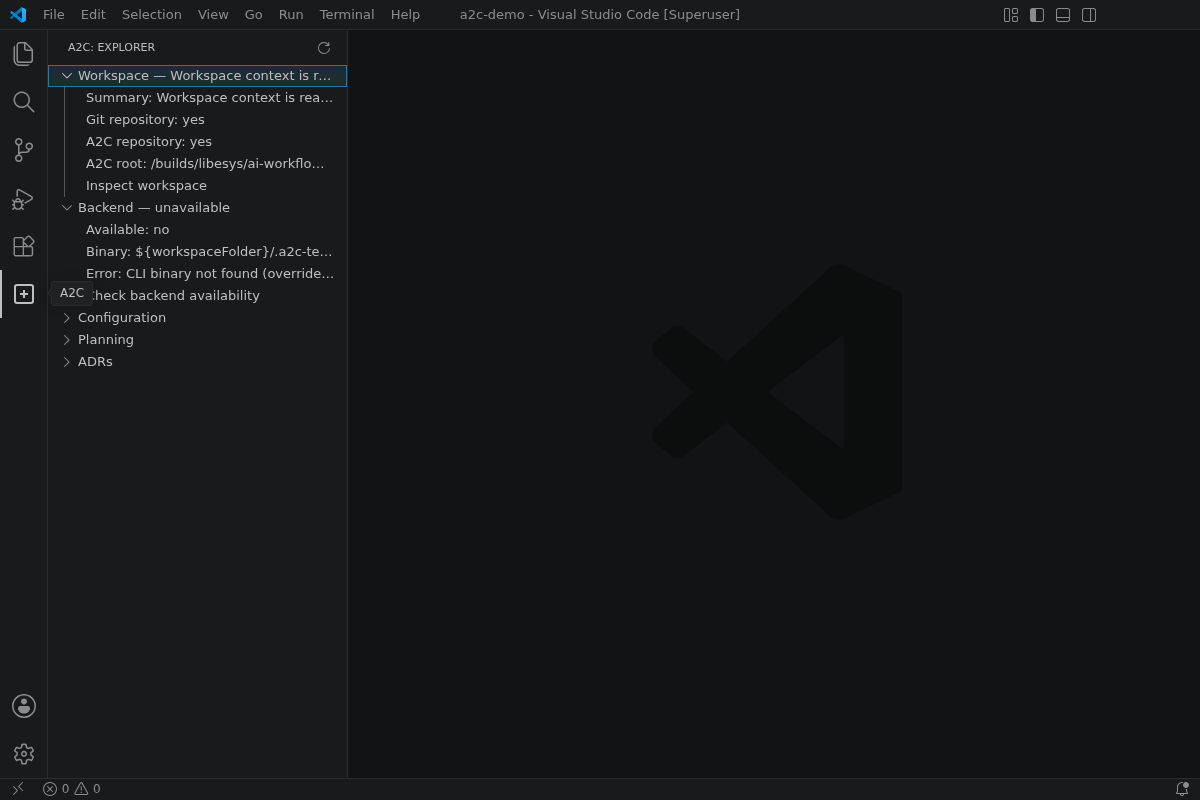
View: Tree section — Backend
A2C output channel
Output panel after running A2C: Show A2C Status, combining workspace and backend narrative.
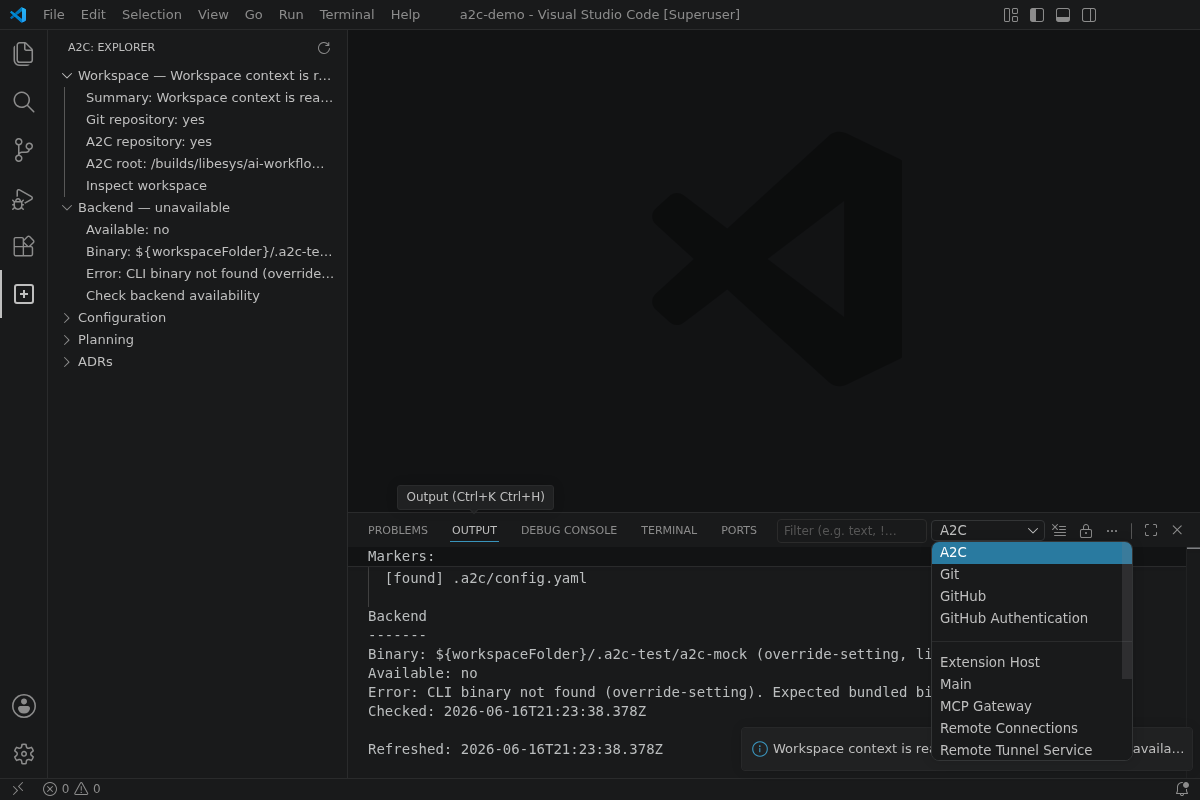
View: Output channel — A2C
A2C command palette
Command palette filtered to A2C commands exposed by the extension.
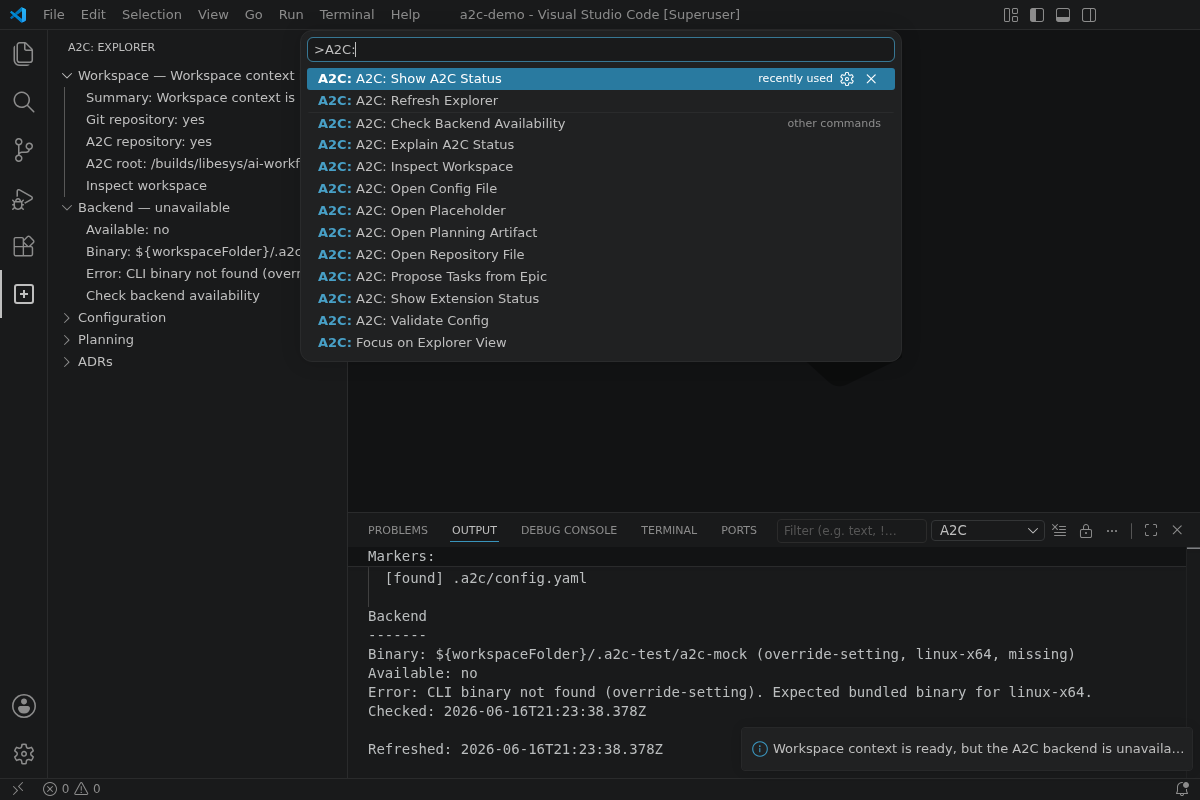
View: Command palette — A2C:*