A2C TUI screenshots
Visual reference for a2c-tui config captured from an automated tour (empty directory bootstrap, guided wizard, review, and editor mode).
Auto-generated by
tests/test_tui_config_tour.py. Refresh withA2C_UPDATE_TUI_SCREENSHOTS=1 pytest tests/test_tui_config_tour.py.
Bootstrap offer
Shown when the target path is not yet an A2C repository. Accepting runs the same minimal scaffold as a2c init.
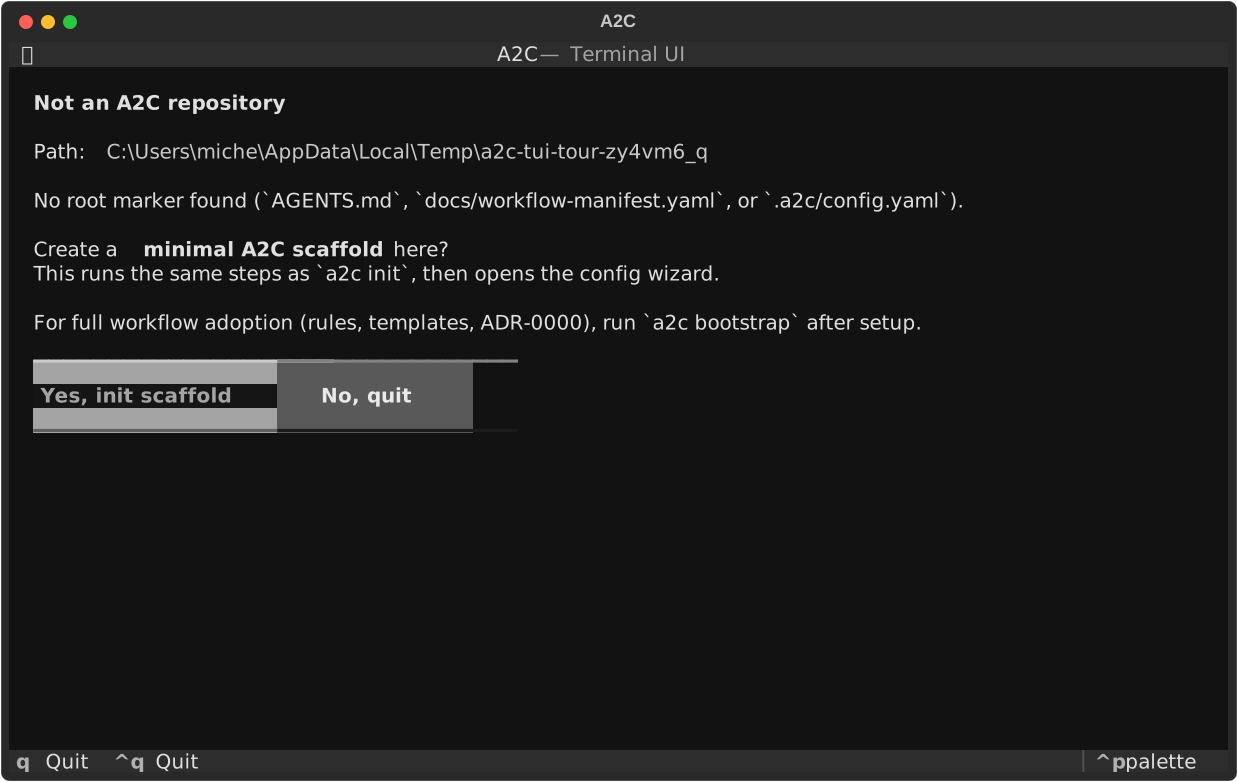
Screen: BootstrapOfferScreen
Guided setup welcome
Introduces the interactive configuration wizard.
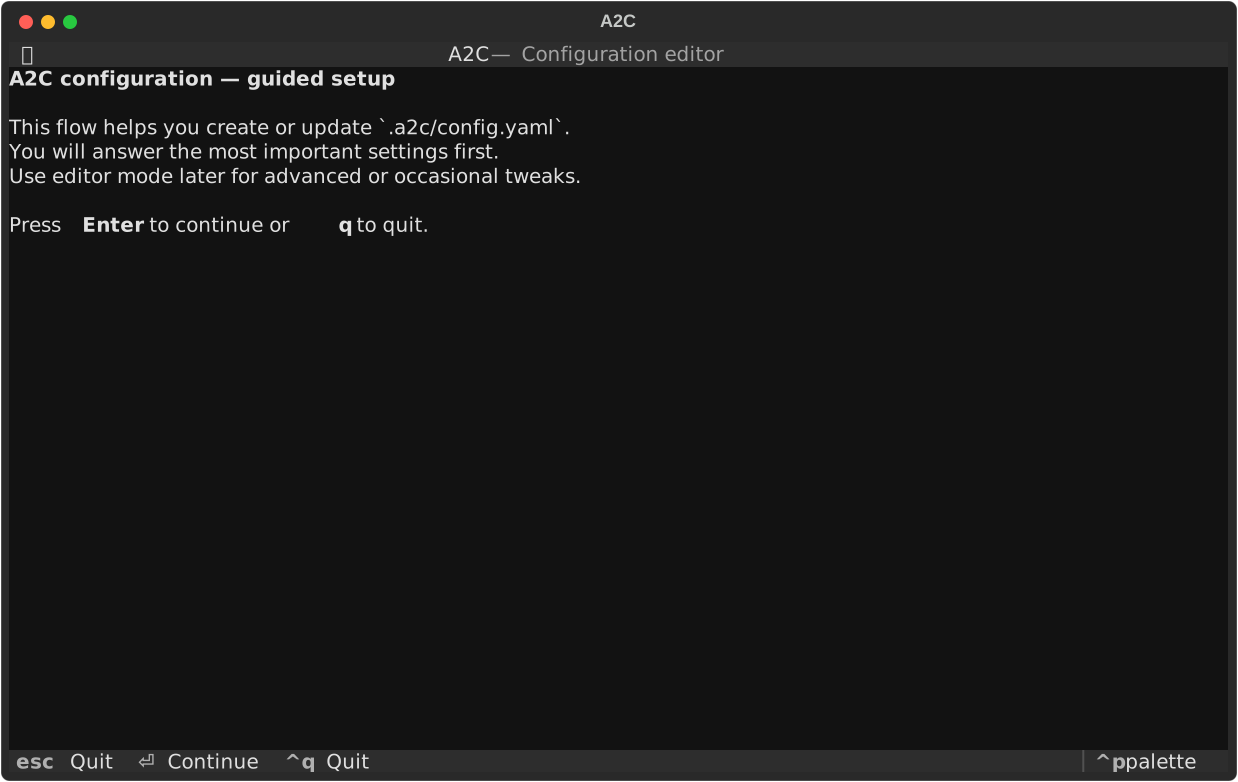
Screen: WelcomeScreen
Guided step 1: Configuration version
A2C repository config version. Currently fixed at 1 for all projects.
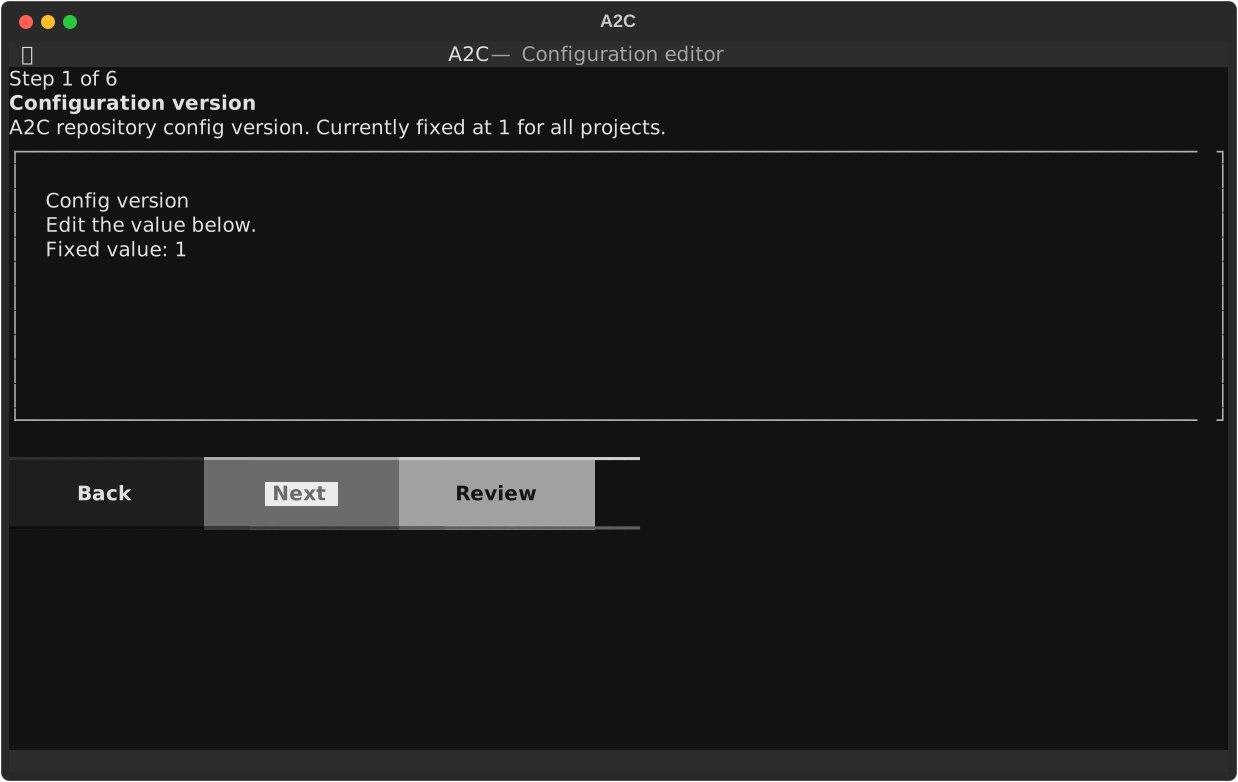
Screen: GuidedScreen
Guided step 2: Approval-required workflows
When enabled, AI-generated planning proposals must be reviewed and applied explicitly instead of writing files automatically.
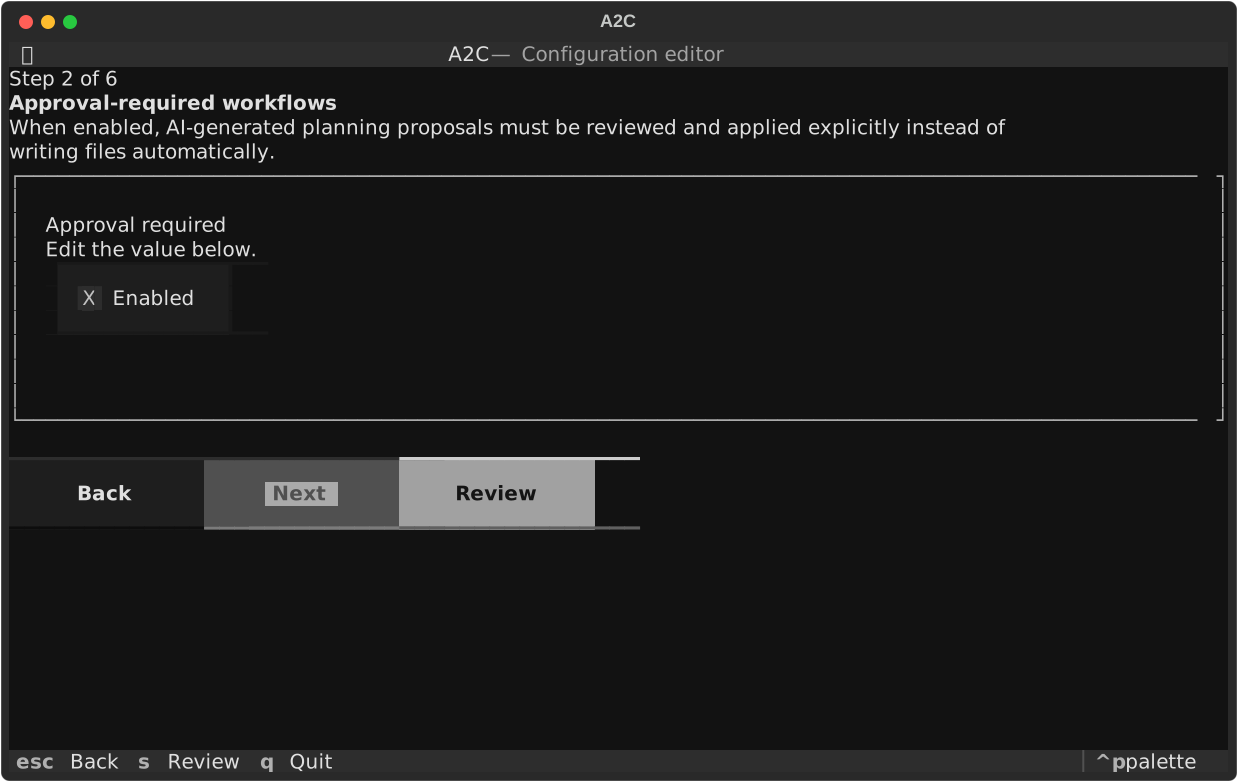
Screen: GuidedScreen
Guided step 3: Default profile
Optional profile id from profiles/ (for example cpp-cmake-conan). Leave blank for none.
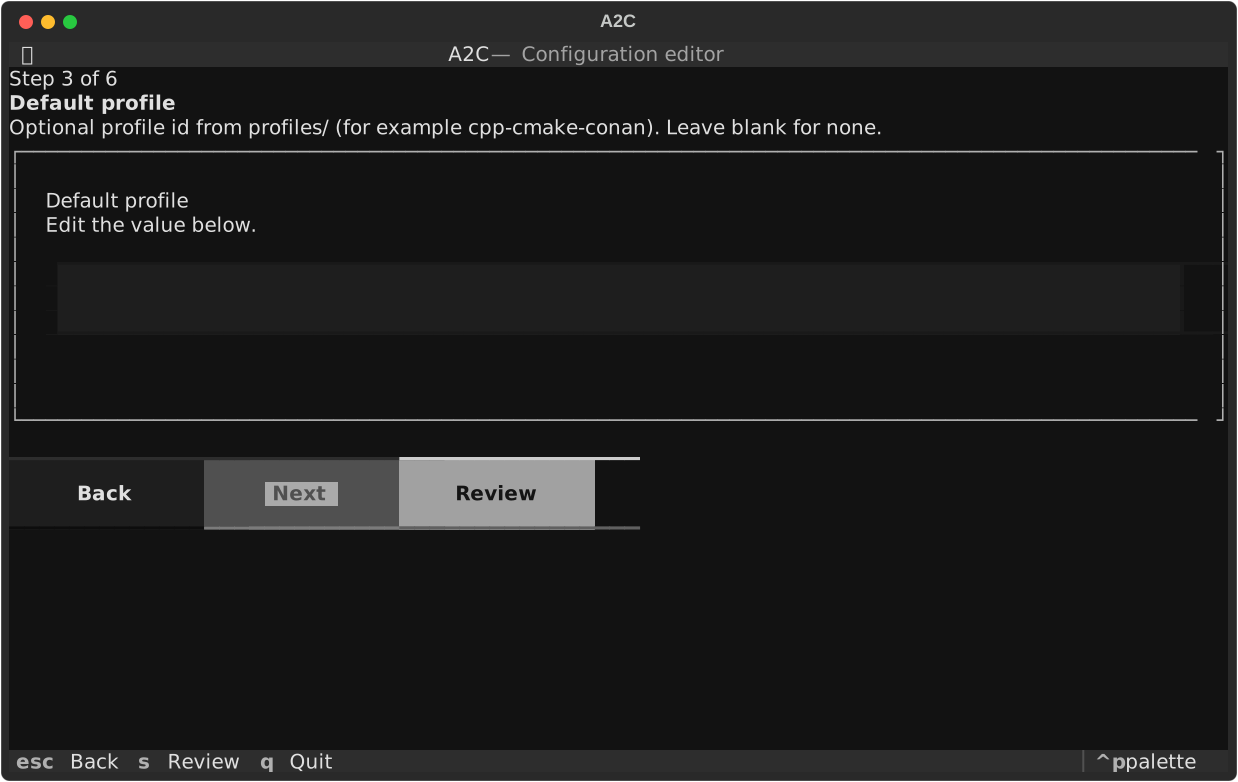
Screen: GuidedScreen
Guided step 4: Enforce ID pattern
When enabled, planning artifact ids must match the configured regex and prefixes. When disabled, ids are free-form with advisory warnings only.
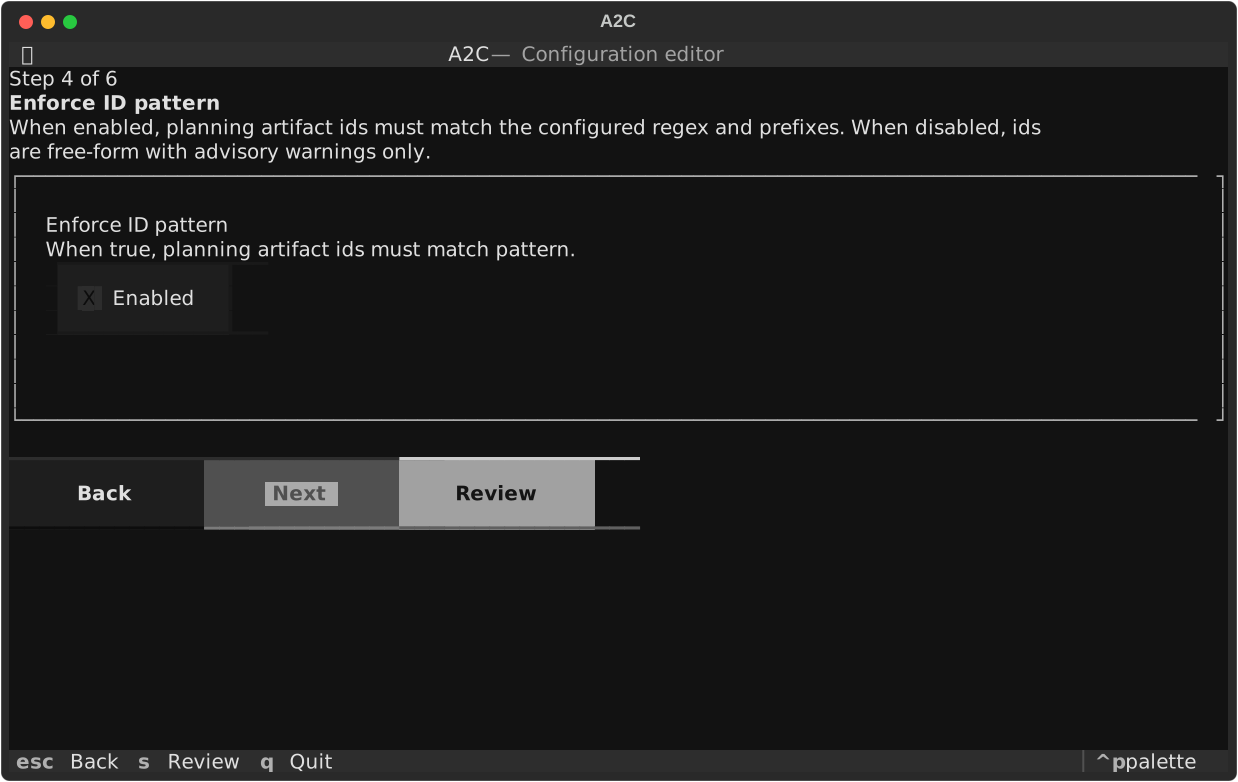
Screen: GuidedScreen
Guided step 5: Decomposition provider
AI backend used for epic decomposition and task intake proposals.
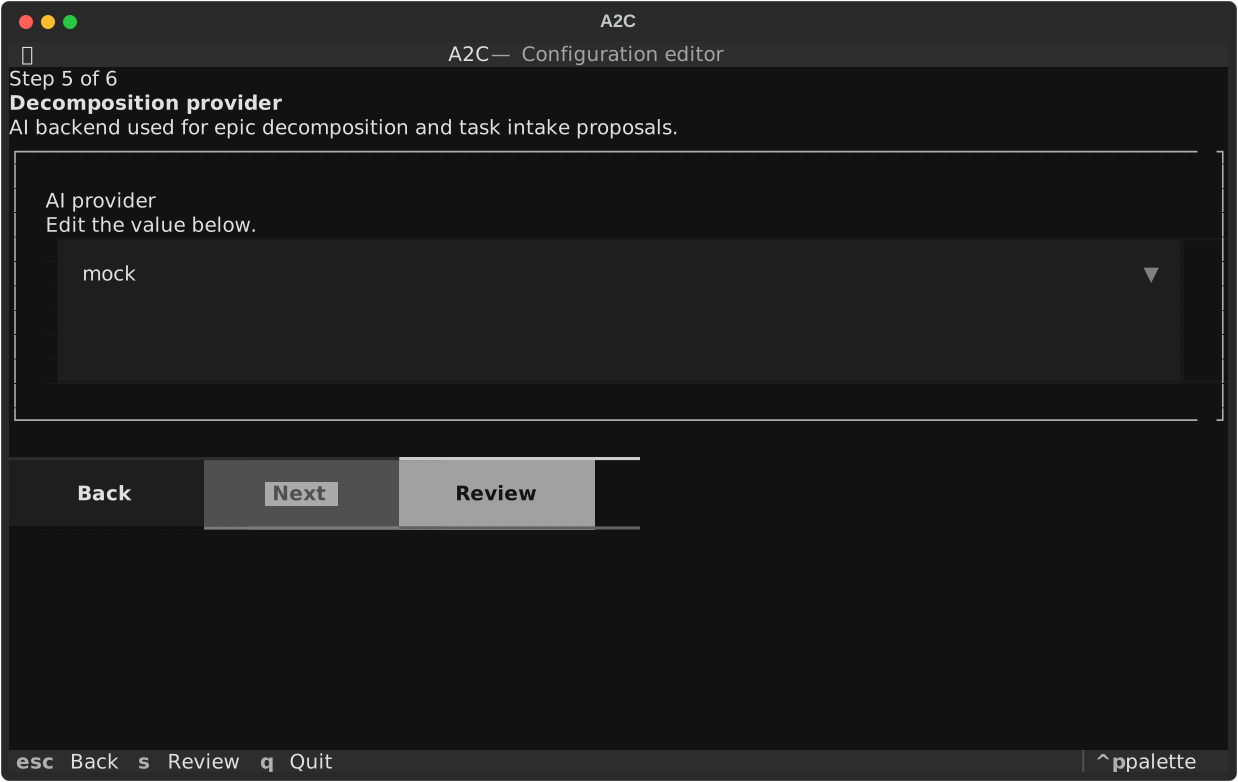
Screen: GuidedScreen
Guided step 6: Log level
Verbosity for A2C core logging during CLI and TUI operations.
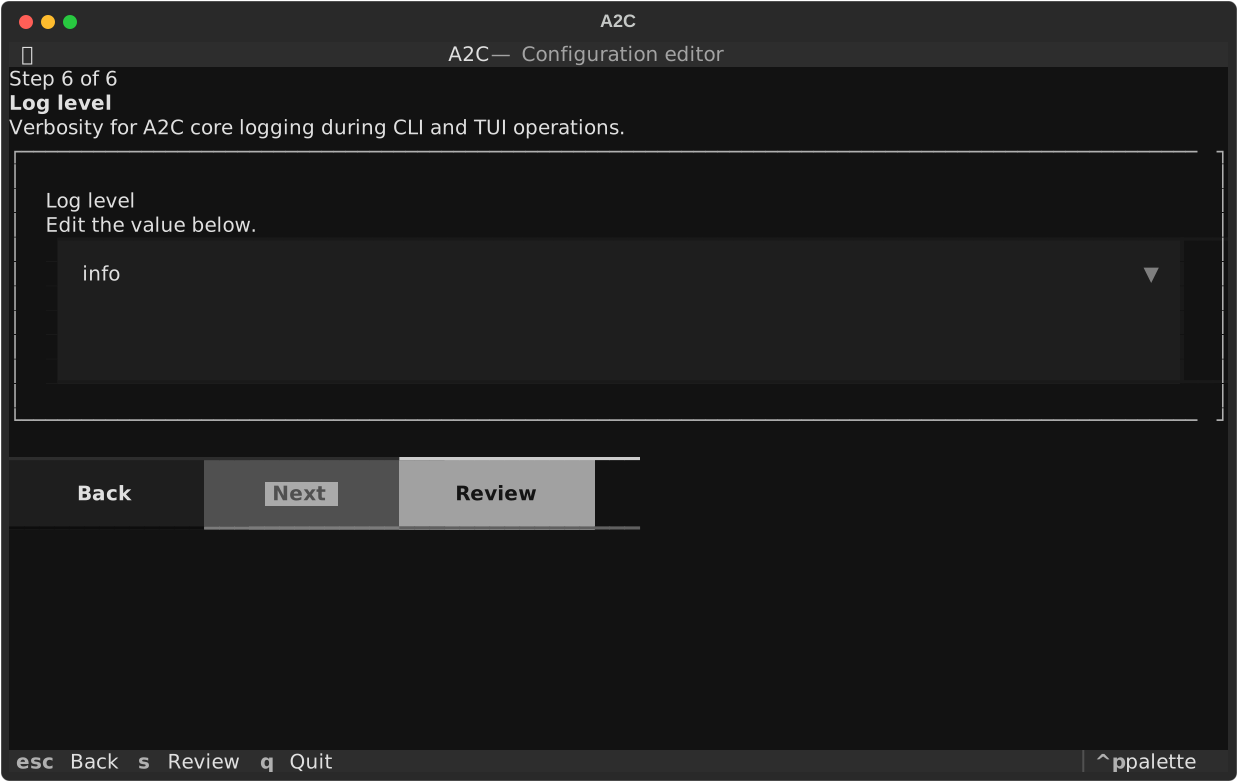
Screen: GuidedScreen
Review before save
Summary of configuration values before writing .a2c/config.yaml.
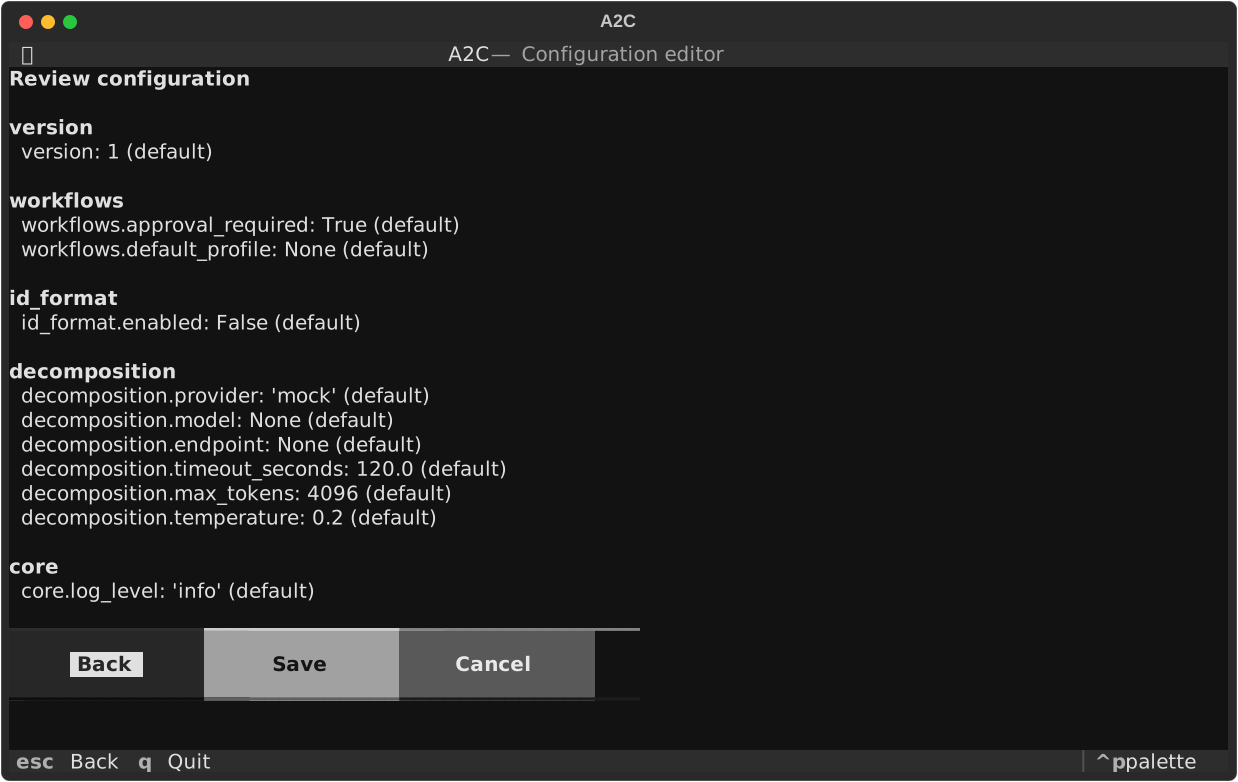
Screen: ReviewScreen
Editor mode
Tree navigation with field editor and help panel for direct access to any configuration setting.
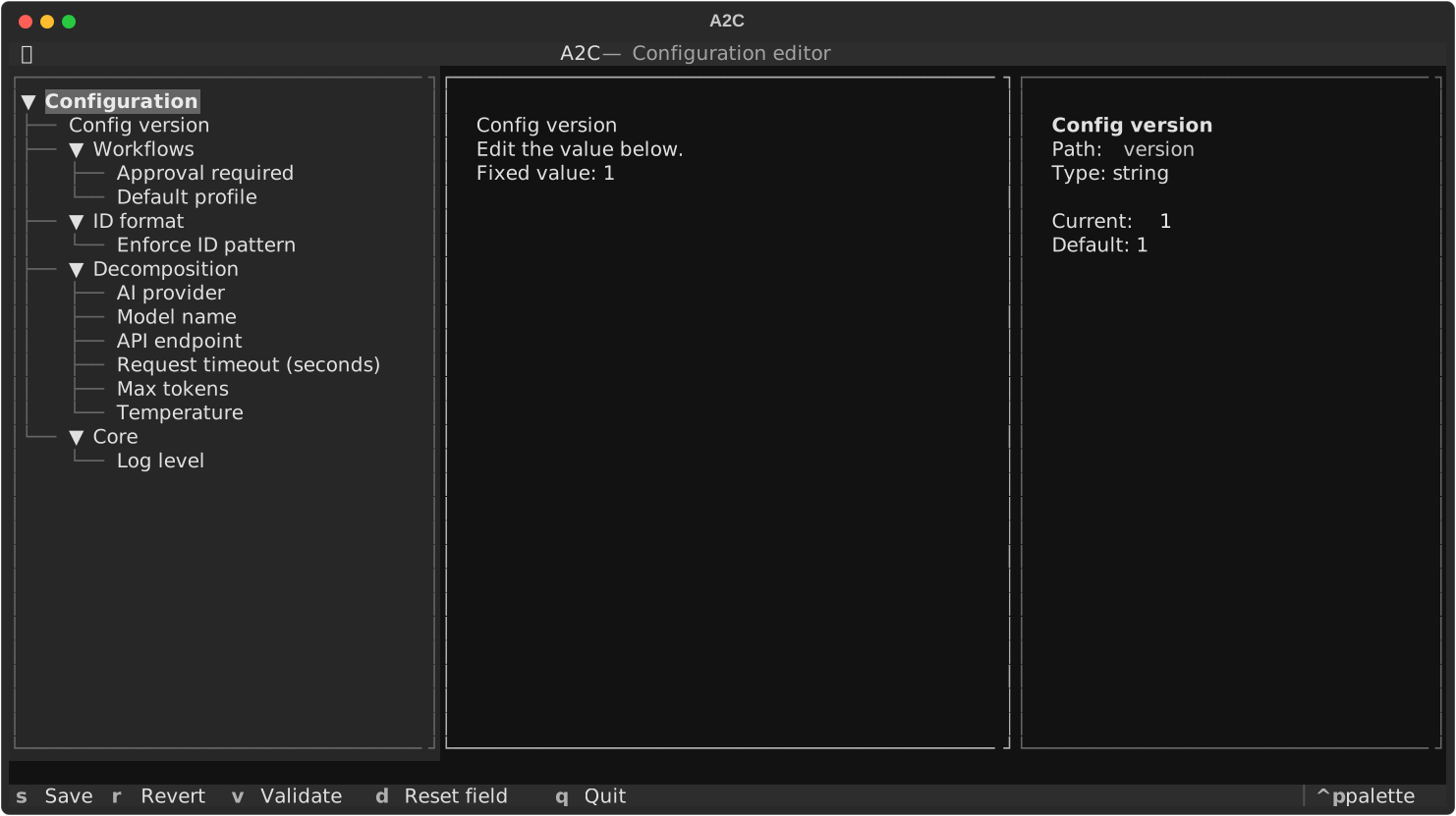
Screen: EditorScreen